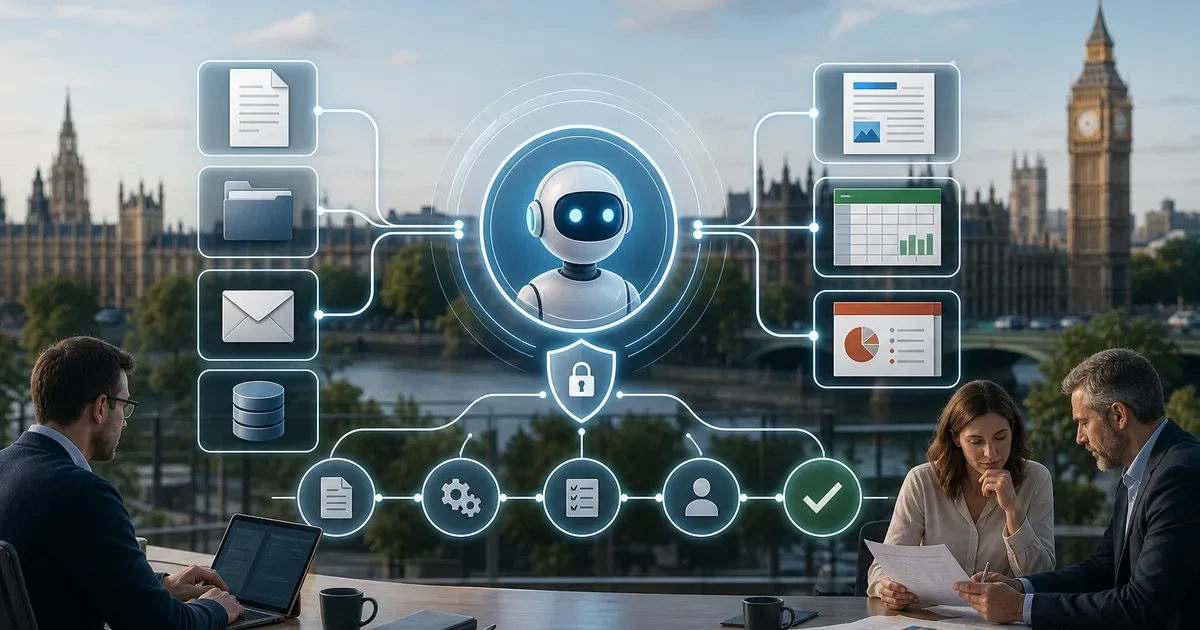
ChatGPT can provide the conversational reasoning and task orchestration; OfficeMaker can provide specialist document-generation and workflow actions. When connected through a properly configured Model Context Protocol (MCP) server, the combination can help a user move from a business request to a controlled document outcome without manually copying information between systems.
What each component does
- ChatGPT: clarifies the goal, reasons over supplied context, helps plan the work and selects an appropriate approved tool.
- MCP connection: exposes explicitly permitted OfficeMaker capabilities to the assistant using defined tool contracts and authentication.
- OfficeMaker: performs supported document operations, applies templates and structured data, and supports validation and repeatable output processes.
- Business controls: permissions, human review, logging, versioning and approval rules determine which actions may run automatically.
Example: create a client proposal
- A user asks ChatGPT to prepare a proposal for a named prospect.
- The assistant gathers only the approved CRM and brief information it is authorised to access.
- ChatGPT invokes the appropriate OfficeMaker MCP tools to map the data into the correct template and create the document.
- OfficeMaker validates required fields and generates the file using the configured document workflow.
- A responsible person reviews and approves the proposal before it is issued or archived.
Other workflows worth piloting
Partner offer
Request your ChatGPT Business discount code
UK OpenAI SMB Channel Partner pricing with complimentary setup on qualifying purchases.
Get partner pricing- Tender responses: assemble approved answers and evidence into a controlled Word pack.
- Management reporting: transform validated figures into a recurring Excel workbook and PowerPoint summary.
- Health and safety: generate inspection or audit documents from structured records, with review before release.
- Sales operations: produce proposals, meeting follow-ups and account summaries from approved source data.
- Training and compliance: create consistent course packs, checklists and evidence documents from structured inputs.
MCP is a connection, not a security shortcut
An MCP connection does not automatically grant safe access or make every action reliable. Implement least-privilege tools, explicit user identity, server-side authorisation, input validation, audit logs, bounded file access and confirmation for consequential actions. Test failures, duplicate requests, expired authentication and partial completion before production use.
How to evaluate the economics
Compare the whole workflow: assistant licence or API usage, OfficeMaker execution charges, integration and support, human review, and rework. Interactive work directed by a person may have different economics from unattended API-based automation. Do not assume MCP makes execution free or that all tools are included in an assistant subscription.
Where to start
What you gain from ChatGPT OfficeMaker MCP
Learn how ChatGPT can orchestrate OfficeMaker through MCP to create controlled Word, Excel and PowerPoint workflows, with validation and human approval.
Claim your free seatChoose one frequent, document-heavy process with a clear owner and measurable baseline. Record turnaround time, manual steps, error rate and review effort. Pilot the connected workflow, preserve human approval where required, and expand only when the result is demonstrably better. Learn more about [OfficeMaker](https://www.ai-build.ltd/products/officemaker), ChatGPT Business and AI Build's central-assistant and MCP approach.